
 Chew to watch
Mealtime videos that play only while your child is chewing.
MunchGuard turns mealtimes into a gentle game. The video plays while your child eats and pauses with a friendly reminder when they stop — and you approve every exact video they can see.
- iPhone & iPad
- Ages 4+ · Education
- No search, no recommendations
- Free · No ads
Calmer meals, on your terms.
You choose every video. MunchGuard handles the gentle pause-and-play.
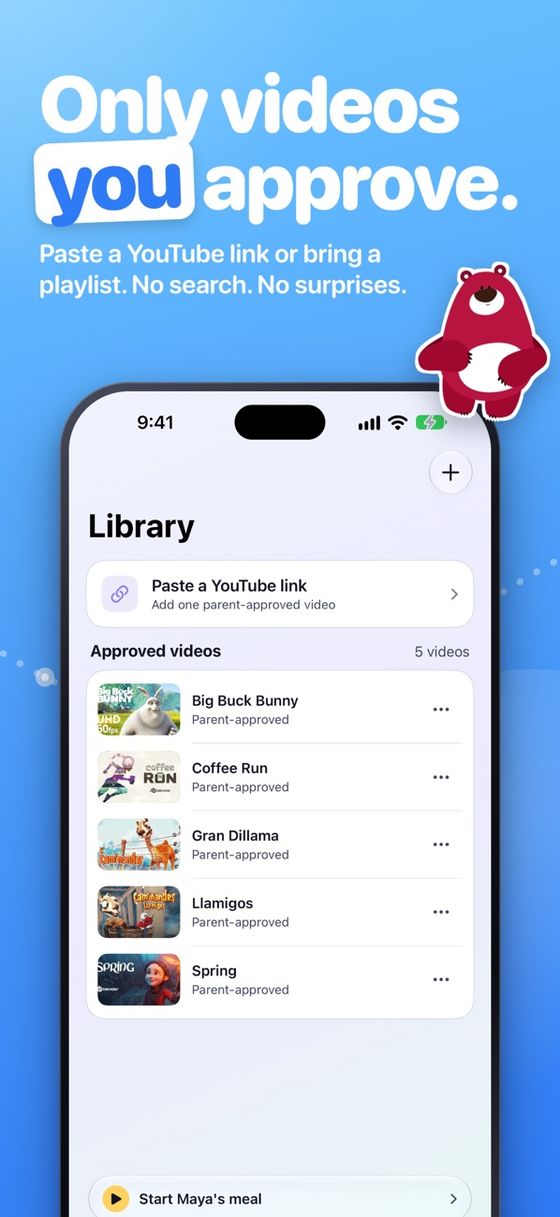
Parent-approved library
Build a closed library from exact video links you already choose — paste a link, or share one to MunchGuard from the YouTube app or Safari.
A profile per child
Separate libraries and progress for each child profile, so siblings can have different approved videos and goals.
Optional YouTube playlists
Connect your own YouTube account (read-only) and link a playlist to a child. You still review or remove each video.
Chew to watch, on-device
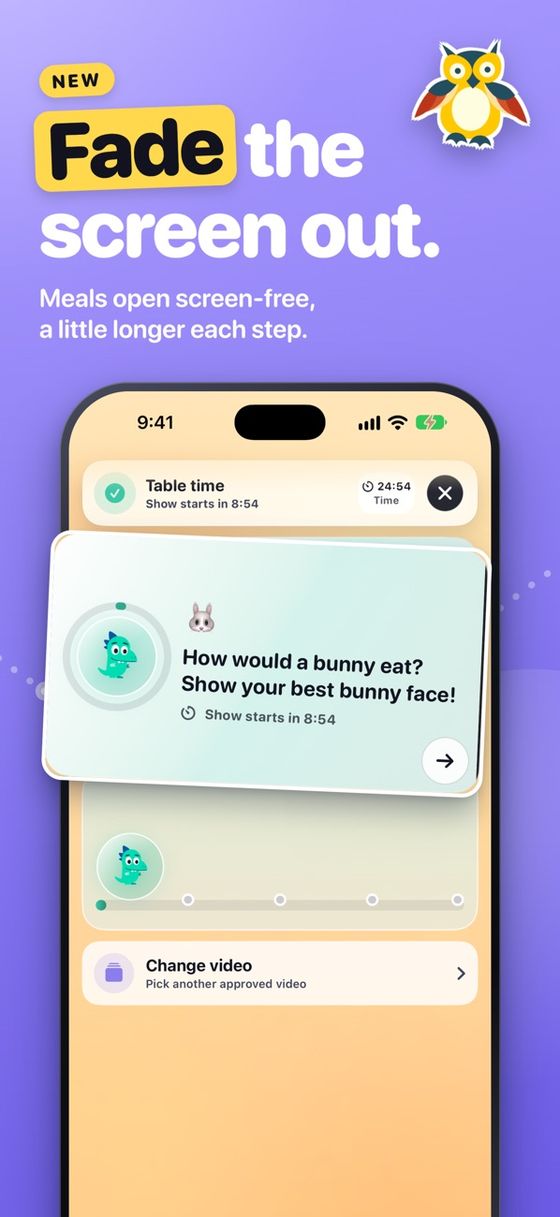
The front camera and microphone notice chewing on-device — chewing plays, stopping pauses with a friendly reminder.
Watch Time mode
Approved videos play for a set timer, then stop on their own — no chewing required, and no camera used at all.
No rabbit holes
A safe, built-in player with no search, no recommendations, and an Eating Buddy that keeps pauses encouraging, not shaming.
Set it on a stand. Pick a video. Start Kid Mode.
Face the front camera toward your child and choose a parent-approved video before Kid Mode begins. Works on iPhone and iPad in portrait or landscape.
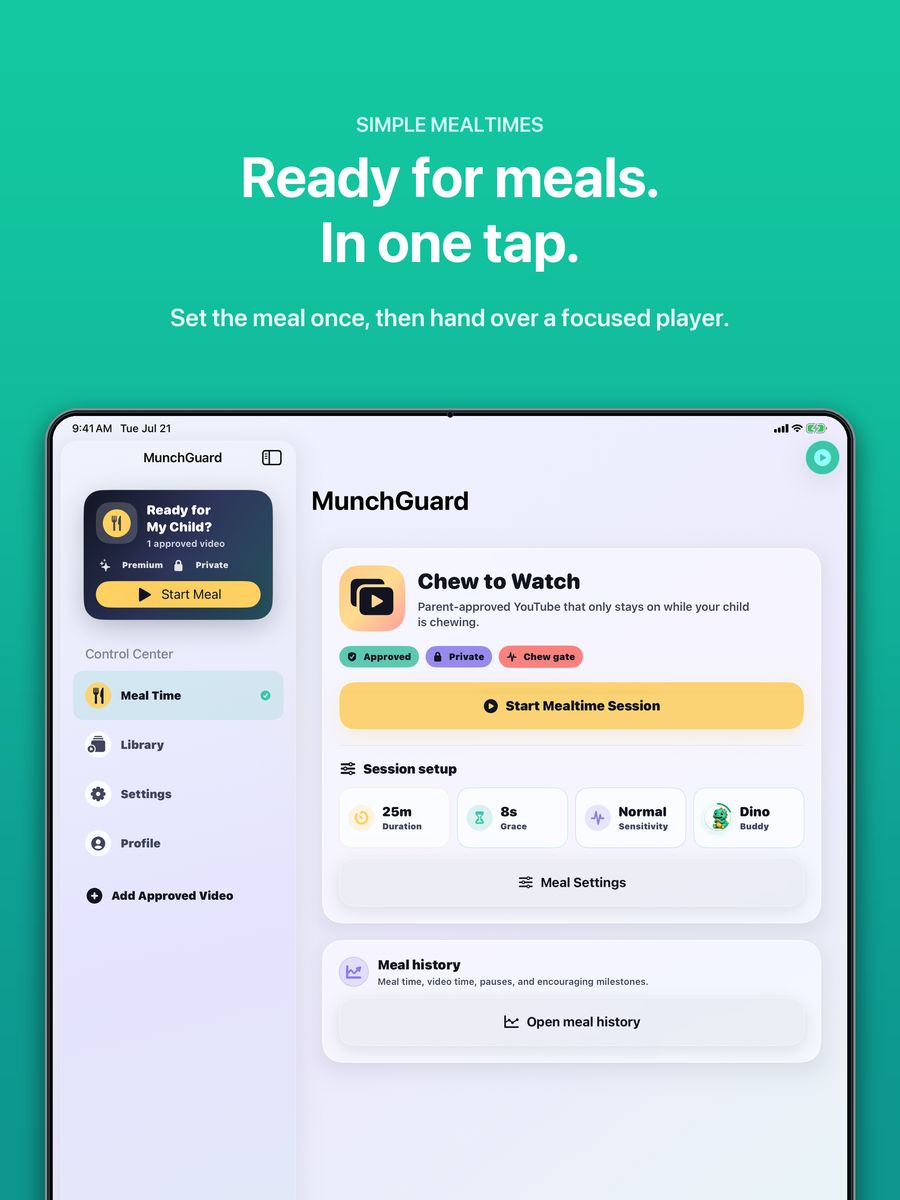
See it in action
Straight from the App Store listing.
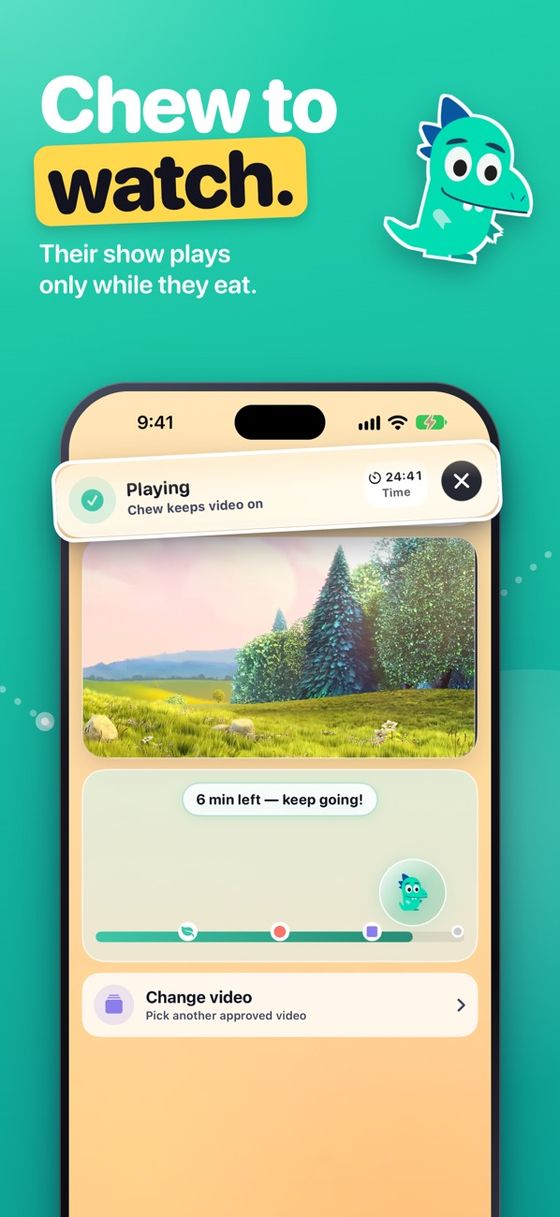
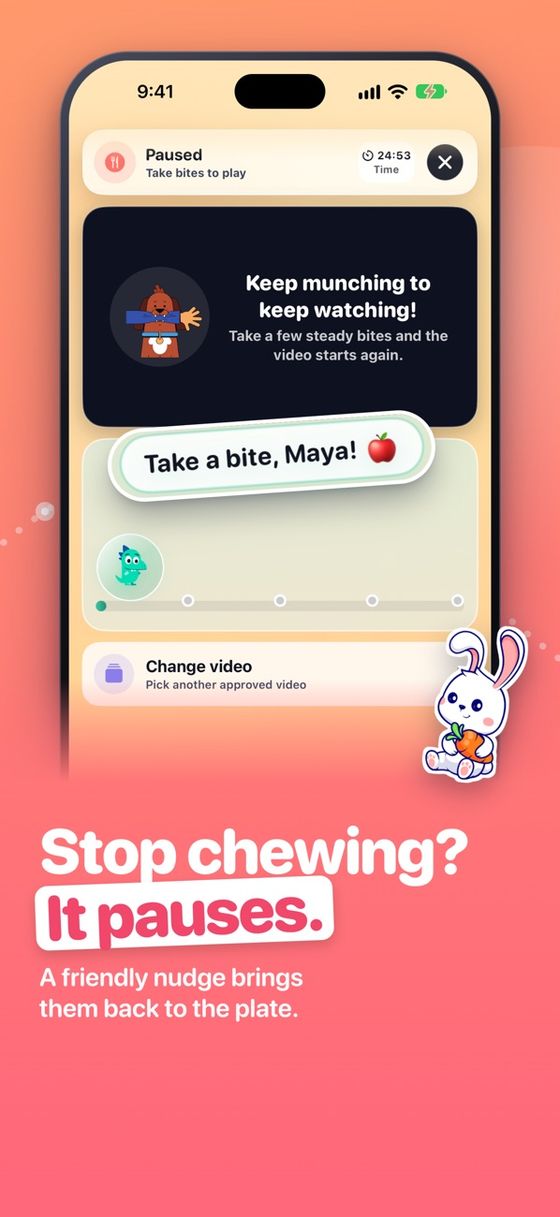
Free for every family.
Every MunchGuard feature is free: all 15 buddies, up to four children, Insights and the weekly report, Food Explorer, reminders, and YouTube imports. No subscription, no in-app purchases, no ads.
What does MunchGuard do?
Parent-approved mealtime videos play while your child is chewing and pause with a friendly Eating Buddy reminder when bites stop.
Can my child browse or search videos?
No. Kids only see the exact videos you approve, in a built-in player with no search and no recommendations.
Does the camera footage leave the device?
Chewing detection runs on-device. See the Privacy Policy for full details.
Is it free?
MunchGuard is completely free. Every feature is included for every family, with no subscription, no in-app purchases, and no ads.
Which devices?
iPhone and iPad, portrait or landscape — in your hands or on a stand.
More help for mealtimes.
- Try it in your browserA working demo, right here in your browser.
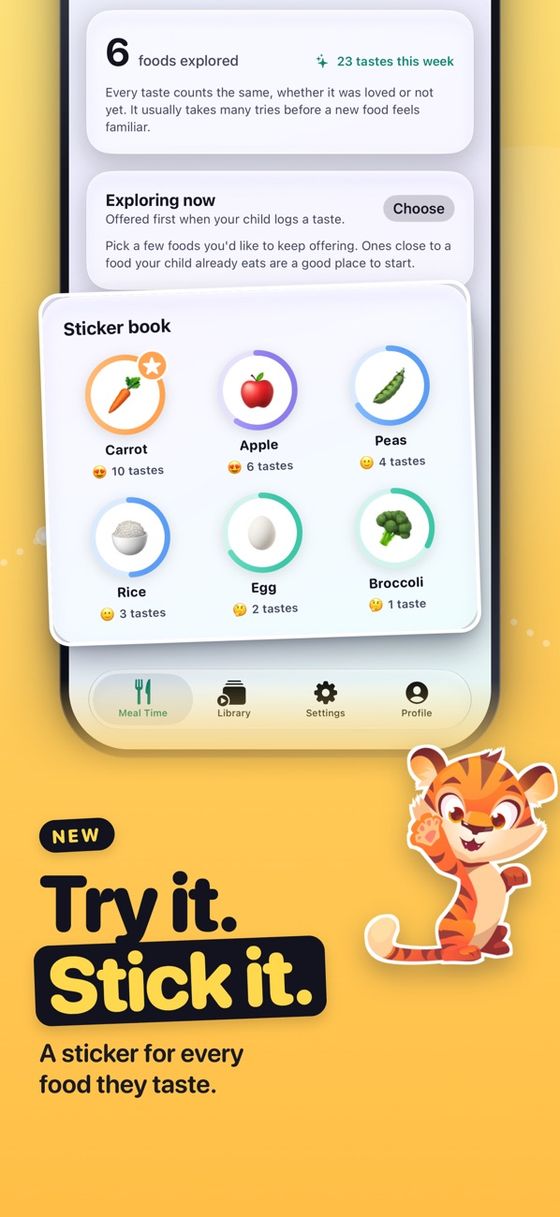
- Free printablesA foods explored chart, sticker chart, and taste word cards.
- Meal idea generatorA familiar food, a fruit or vegetable, and one thing to explore.
- Mealtime tipsShort, no-pressure reads for parents of picky eaters.
- Why MunchGuard is freeWhat is included and who it is for.
Listed on ProgrammerNeeds